Release Notes 08.19.2026
Waterford.org will release an automatic software update on August 19, 2026.
The August 19, 2026, release includes new literacy content, instructional resources, and reporting enhancements designed to strengthen learning and make it easier for educators to support student progress. As always, if you have questions, visit our Help Center for support.
Current iOS and Android App Version 2.17.0
Affects:  Waterford Early Learning
To get the best experience, we recommend using the latest version of the Waterford app: 2.17.0. Updates are applied automatically whenever possible to keep things running smoothly.
New Features
Build Word Knowledge with New Morphology Activities
Affects: Young Learners |
All Waterford Programs
Students can now engage with new interactive morphology activities that introduce how words are built using prefixes, suffixes, and base words. These lessons provide explicit instruction and practice to help learners recognize word parts, strengthen decoding skills, and expand vocabulary. By developing morphological awareness, students gain strategies that support stronger reading comprehension and word recognition. This release includes 59 new digital activities for the Basic and Fluent learning levels, with pre-reading morphology activities planned for a future release.

Extend Morphology Learning with Printable Practice Activities
Affects:  Educators |
Caregivers |
Young Learners |
All Waterford Programs
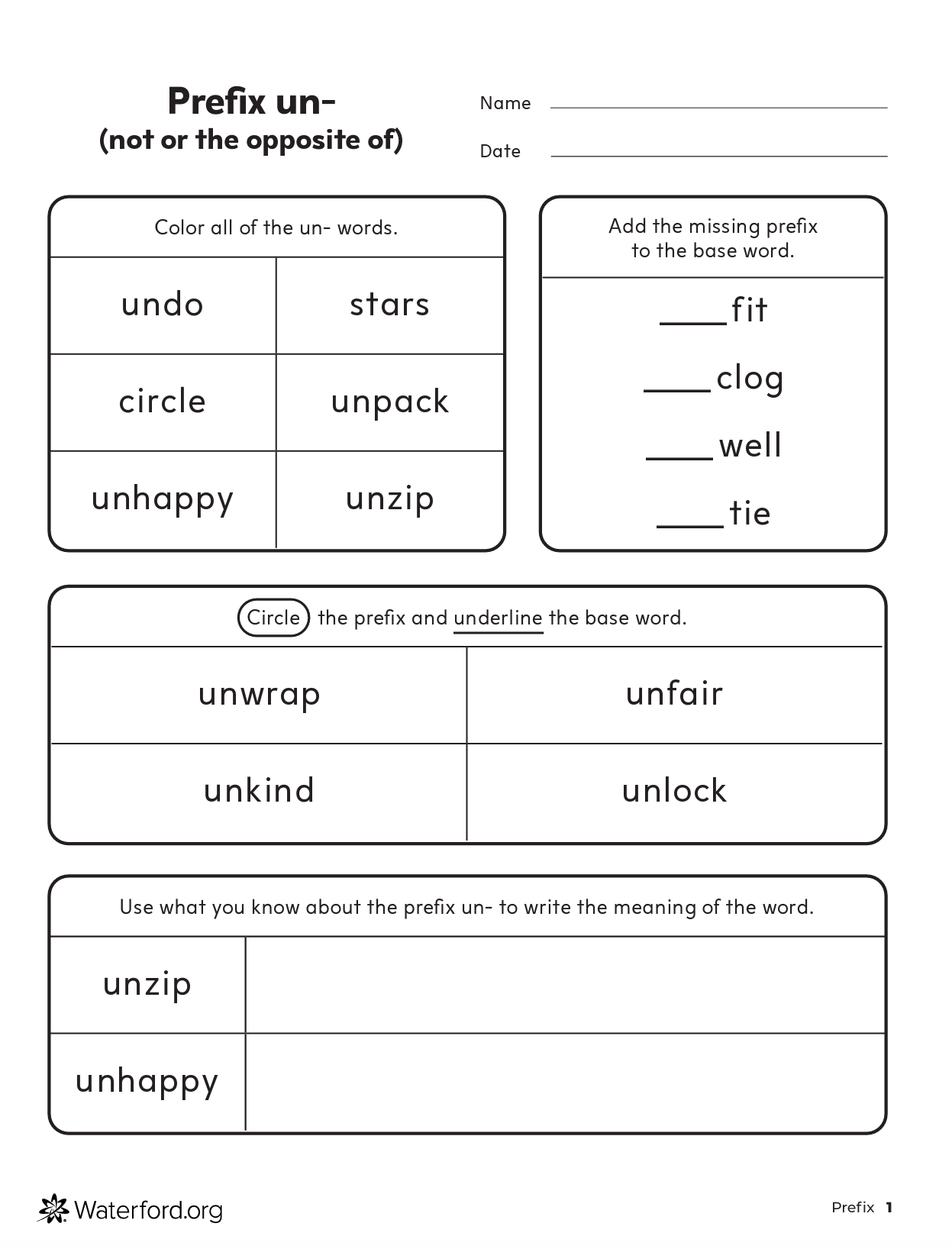
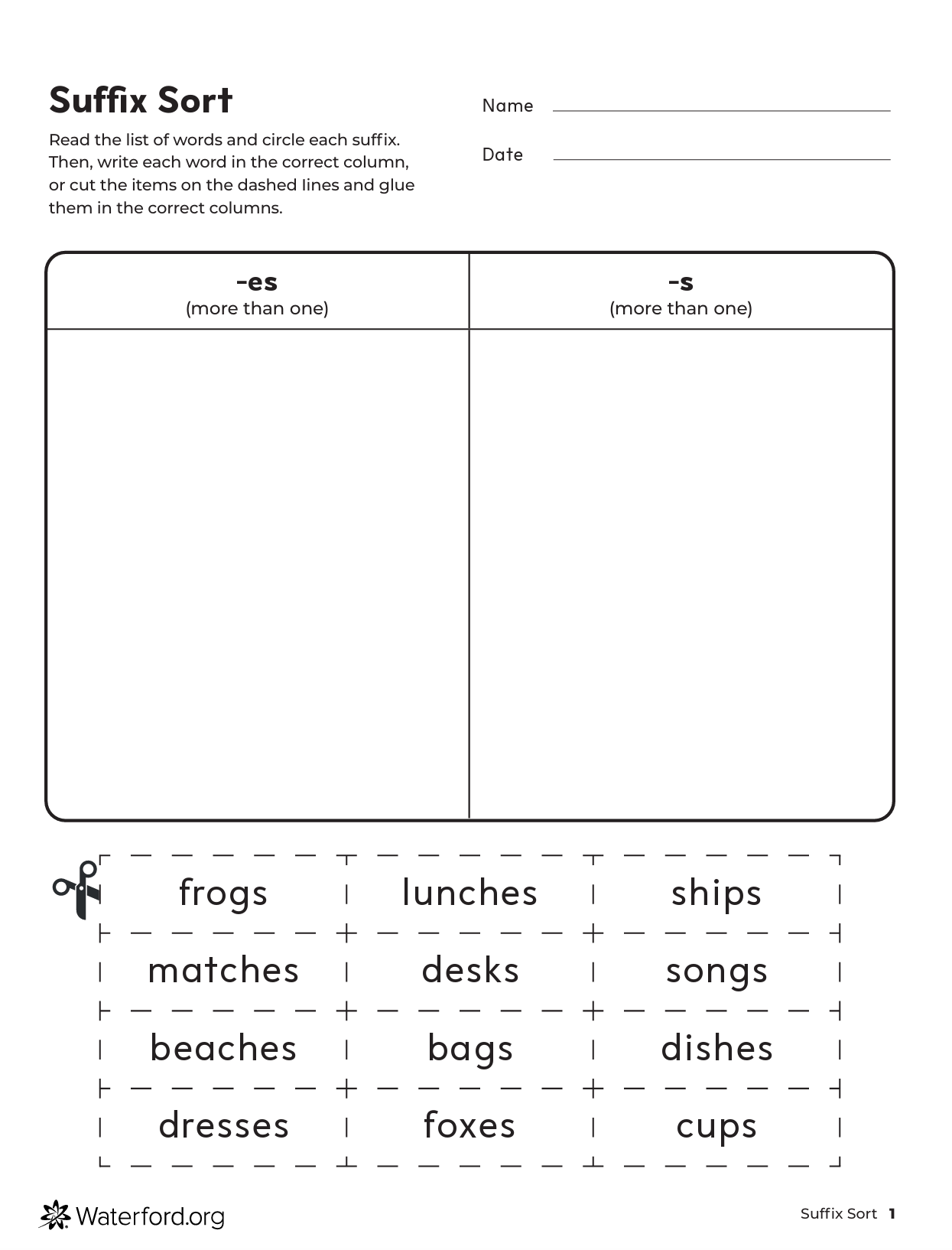
Educators and families can now use new printable morphology activities to reinforce the concepts students learn in the digital curriculum. These resources help students explore how prefixes and suffixes change the meaning of base words while providing additional opportunities to practice vocabulary, word-building, and reading skills away from the screen. Two types of printable activities are included in this release, and they are designed to complement the new digital morphology lessons.
Access Classroom Reports More Quickly with Simplified Report Views
Affects: Educators | Waterford Early Learning
Classroom teachers can now open class- and student-level reports without first selecting required filters, making it quicker to access the information they need. Reports automatically display relevant data using preset filters, reducing the number of clicks while still allowing teachers to customize filters whenever needed. Most reports default to the current school year, while Area of Difficulty reports display the previous month's data to highlight recent learning trends. This enhancement is available for classroom teacher accounts, while administrator roles continue to support custom filter selection.
Guide Students to the Appropriate Next Step in SmartStart
Affects: Educators | Waterford Early Learning
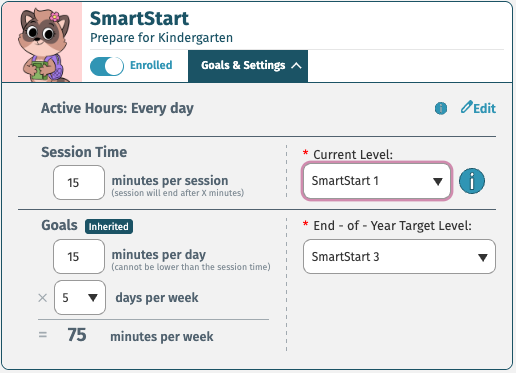
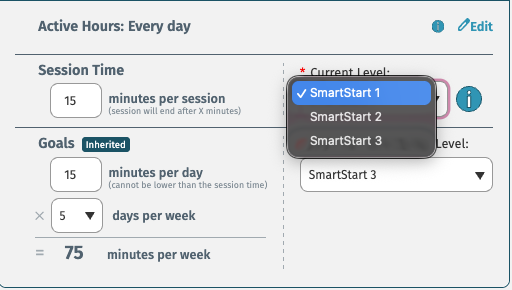
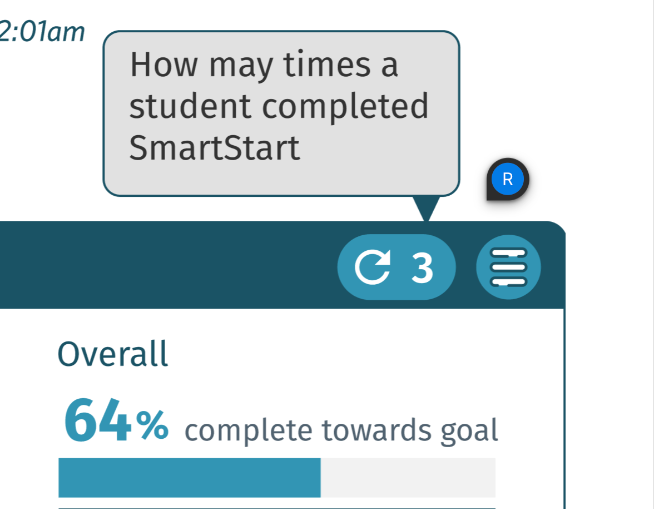
Teachers and administrators now have greater flexibility to determine where students continue learning after completing SmartStart. Instead of automatically restarting the program, students will now reach an end-of-program screen, allowing educators to place them at SmartStart 1, SmartStart 2, or SmartStart 3 based on their individual learning needs. Educators with the appropriate permissions can also transition students directly into Reading or Math & Science curriculum pathways, making it easier to personalize each student's learning journey.