Waterford Early Learning: Class Standards Report for Teachers or Administrators
The Class Standards Report provides educators with a comprehensive, class‑level view of student performance against state standards. Built on a new reporting framework, the report displays all standards students encountered within the instructional sequence, with a default view aligned to the class’s grade level. Educators can sort and filter the data to quickly evaluate overall class performance, identify focus areas, and determine which students may need additional support. The report also allows users to drill down into each standard for detailed scores and activity‑level data.
To select and view a Class Standards Summary Report in Waterford Early Learning:
- Log in to Waterford Early Learning and visit the Reports tab.
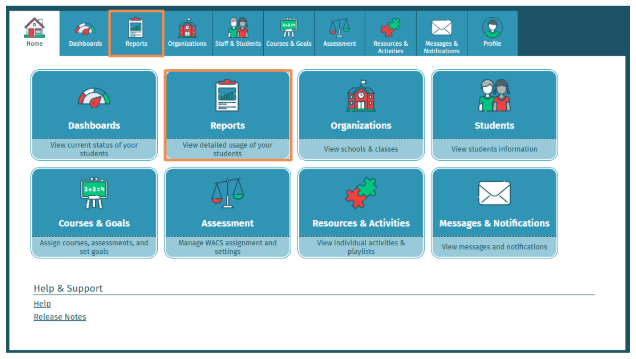
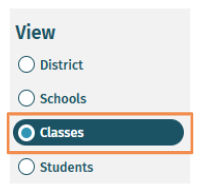
- To access a Class Standards Summary Report, you must first select Classes under View.
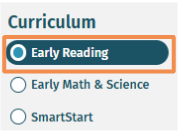
- Select Early Reading Curriculum.
The Class Standards Report is ONLY available for the Early Reading Curriculum.
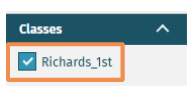
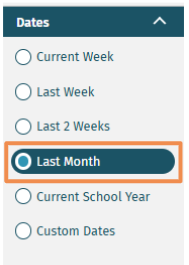
- Under Filters, select the Classes and Dates you would like to view.
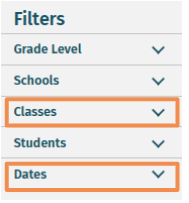
- Classes
- Dates
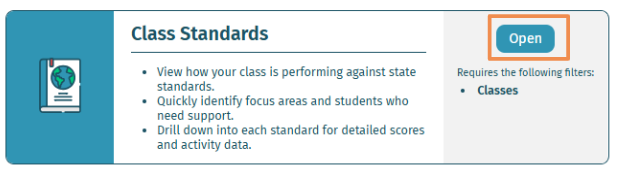
- Select Open on Class Standards Report.
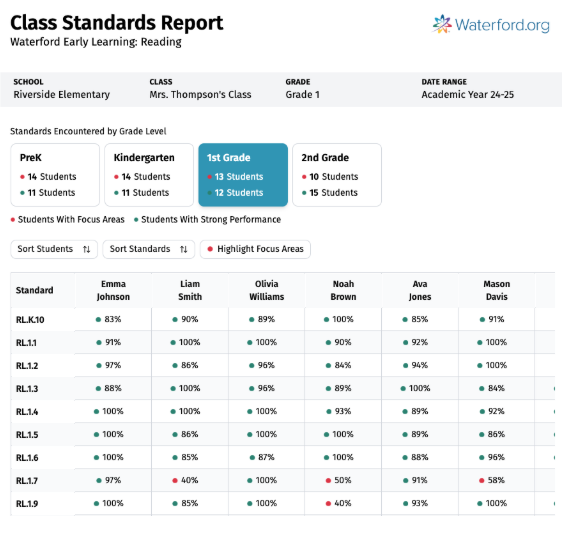
- The Class Standards Report displays all standards students have encountered across grade levels, with grade‑level tabs showing how many students were exposed to each standard. The report defaults to the class’s assigned grade and presents student‑level performance by standard. Educators can sort students and standards, highlight focus areas, and review color‑coded performance indicators to analyze progress and identify trends.
Educators can view the full standard by hovering over the standard code. The Standards for Reading are correlated with State Standards.
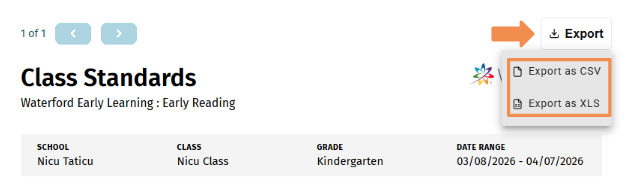
- To export the report, select Export.
- Due to the size and depth of information included, the report is available for export in XLS or CSV formats only.
By default, the Class Standards Summary Report displays data filtered to the class’s assigned grade. Because students may be working across multiple grade levels, deselect the highlighted grade card to show all grades before exporting the full set of class standards data.
Last Updated: 04/15/26