Waterford Early Learning: Student Progress Snapshot Report for Teachers or Administrators
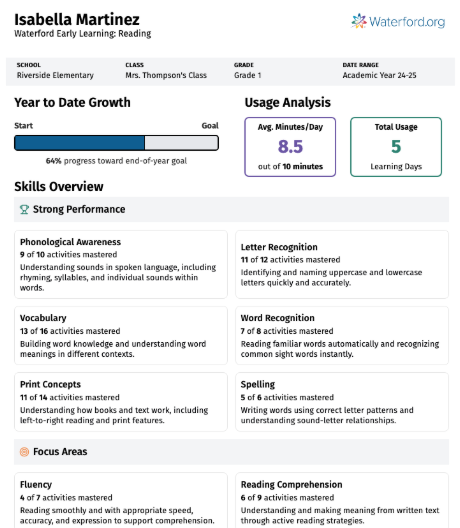
The Student Progress Snapshot report provides educators with a concise, easy‑to‑understand summary of a student’s learning progress in Waterford Early Learning. The report includes an overview of the student’s year‑to‑date growth toward achievement goals, along with a summary of average usage and learning‑day participation. It highlights skills the student has mastered and identifies areas that need additional focus. The Student Progress Snapshot report is available for Early Reading, Early Math & Science, and SmartStart, with each curriculum provided in a separate report. Educators can select a custom time frame, and all data will adjust to that selection except for student growth, which is always displayed year‑to‑date. To support communication with families, the report can be generated in both English and Spanish.
To select and view a Student Progress Snap Report in Waterford Early Learning:
- Log in to Waterford Early Learning and visit the Reports tab.
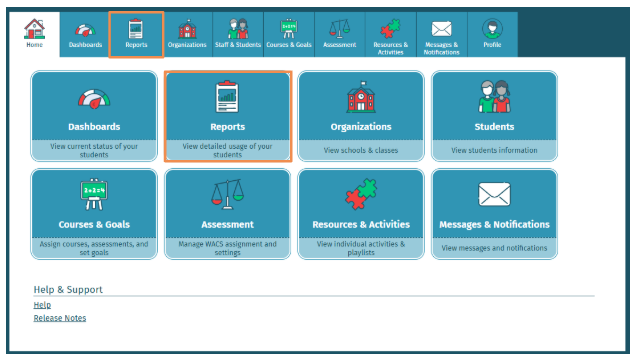
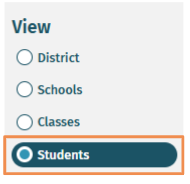
- To access an individual Student's Progress Snapshot Report, you must first select Students under View.
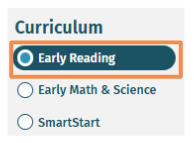
- Select Curriculum: Early Reading, Early Math & Science, or SmartStart
- Under Filters, select from Classes, Students, and Dates filter options to open the Student Progress Snapshot Report.
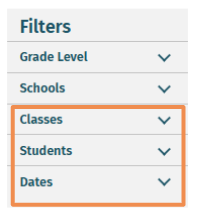
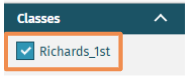
- Classes
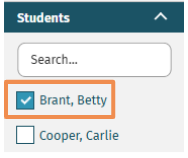
- Students
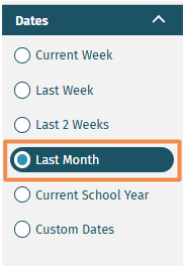
- Dates
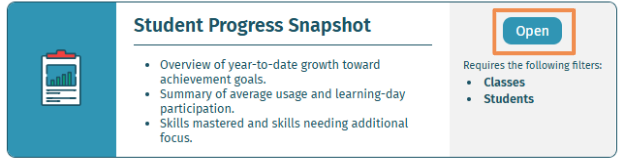
- Select Open on Student Progress Snapshot Report.
- The Student Progress Snapshot Report will show Year-to-Date Growth, Usage Analysis, and Skills Overview.
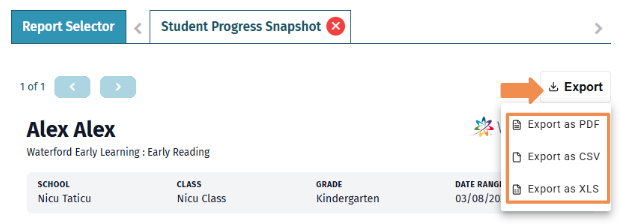
- To export the report, select Export.
- PDF exports remain similar to the existing report format, while CSV and XLS exports now deliver properly formatted tables for quick sorting and analysis.
Last Updated: 04/24/26