Release Notes 03.04.2026
Waterford.org will release an automatic software update on March 4, 2026.
The March 4, 2026, software update introduces new printable short vowel activities, adds cumulative review activities to strengthen skill retention, and enhances session exit flexibility and login badge instructions for classroom use. As always, if you have questions, visit our Help Center for support.
Current iOS and Android App Version 2.16.0
Affects:  Waterford Early Learning
To get the best experience, we recommend using the latest version of the Waterford app: 2.16.0. Updates are applied automatically whenever possible to keep things running smoothly.
New Features
New Independent Student Activities to Practice Short Vowel Skills
Affects:  Educators |
 Caregivers |
Young Learners |
All Waterford Programs
New activities are now available to help students practice foundational reading skills. These PDF worksheets provide additional opportunities for learners to build confidence and reinforce what they are learning in Waterford.
Designed for students in Pre-Reading Segment 3 and Basic Segment 1, the new resources consist of practice sheets for words with short vowels, including CVC words, digraphs, and blends. Together, these activities support students as they strengthen key early literacy skills.
The materials can be used independently in classrooms or at home and are designed to complement digital instruction.
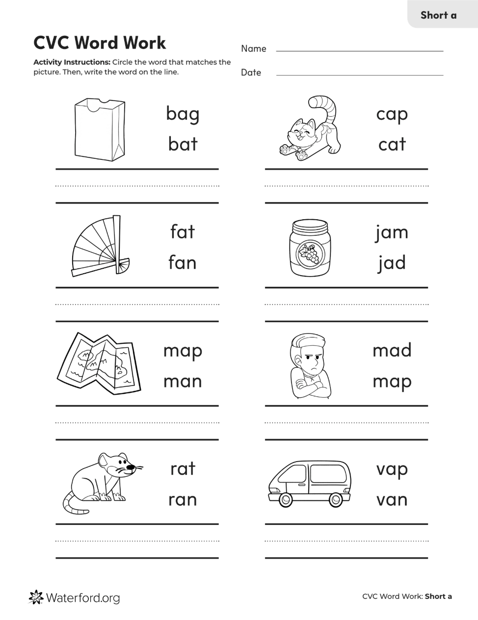
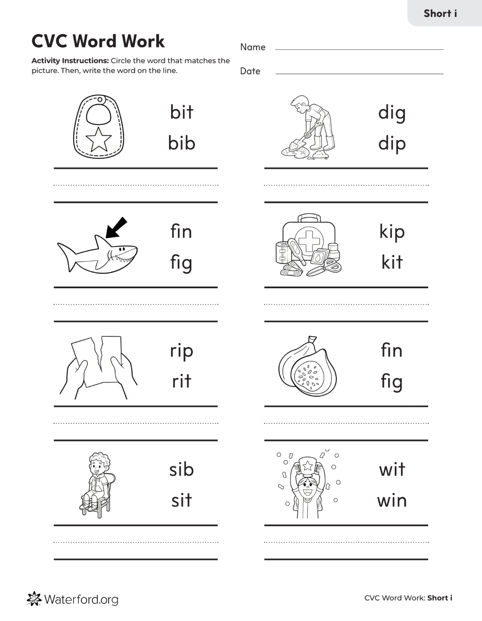
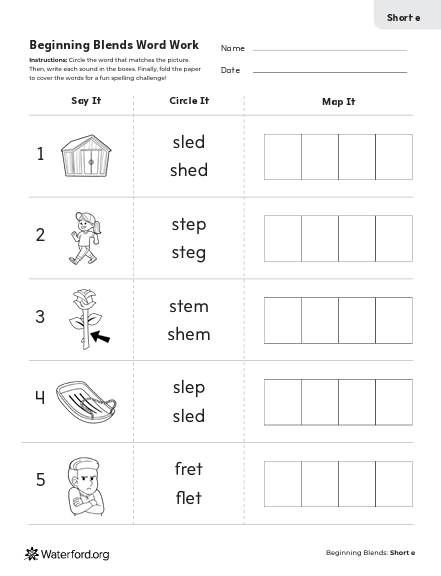
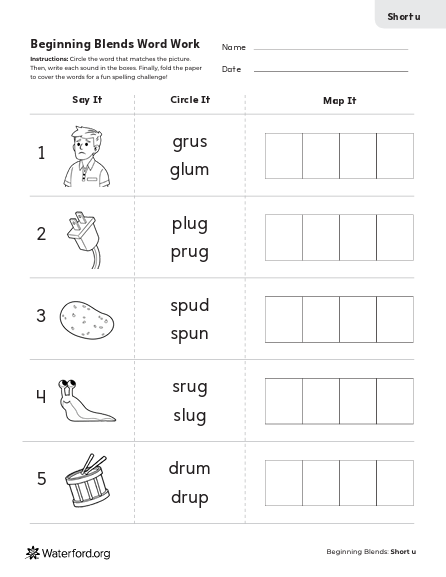
New Review Activities to Help Students Retain and Strengthen Reading Skills
Affects: Educators | Caregivers |
Young Learners |
All Waterford Programs
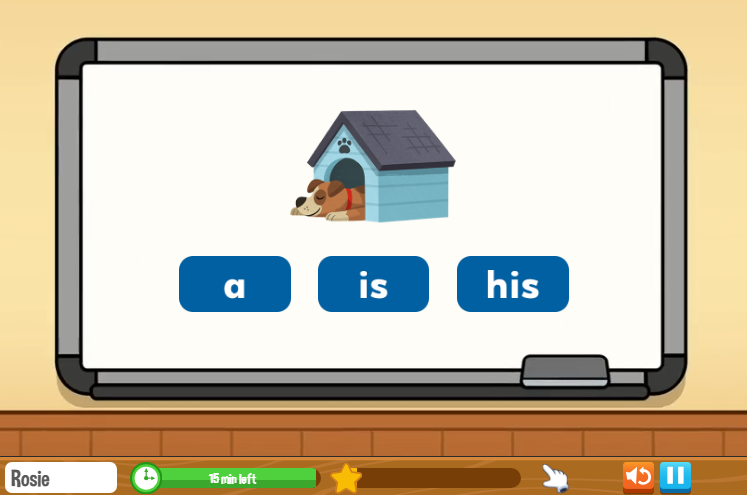
New review activities have been added to Pre-Reading Segment 3 to help students revisit and strengthen skills they have already learned. These activities provide regular opportunities for practice, helping students retain important reading skills such as phonics and sight words.
If a student needs additional support, Waterford will guide them back to review and practice specific skills to help ensure continued progress.
Additional review activities at later reading levels are planned for future releases.
Enhanced Features
Greater Independence for Older Students When Exiting Sessions
Affects: Educators | Young Learners |
Waterford Early Learning
Students above kindergarten can now exit a learning session independently without requiring a teacher PIN, supporting greater autonomy while maintaining appropriate safeguards. Each student may exit independently up to two times within a 12-hour period, after which a teacher PIN is required. Kindergarten and younger students will continue to require a teacher PIN to exit a session.
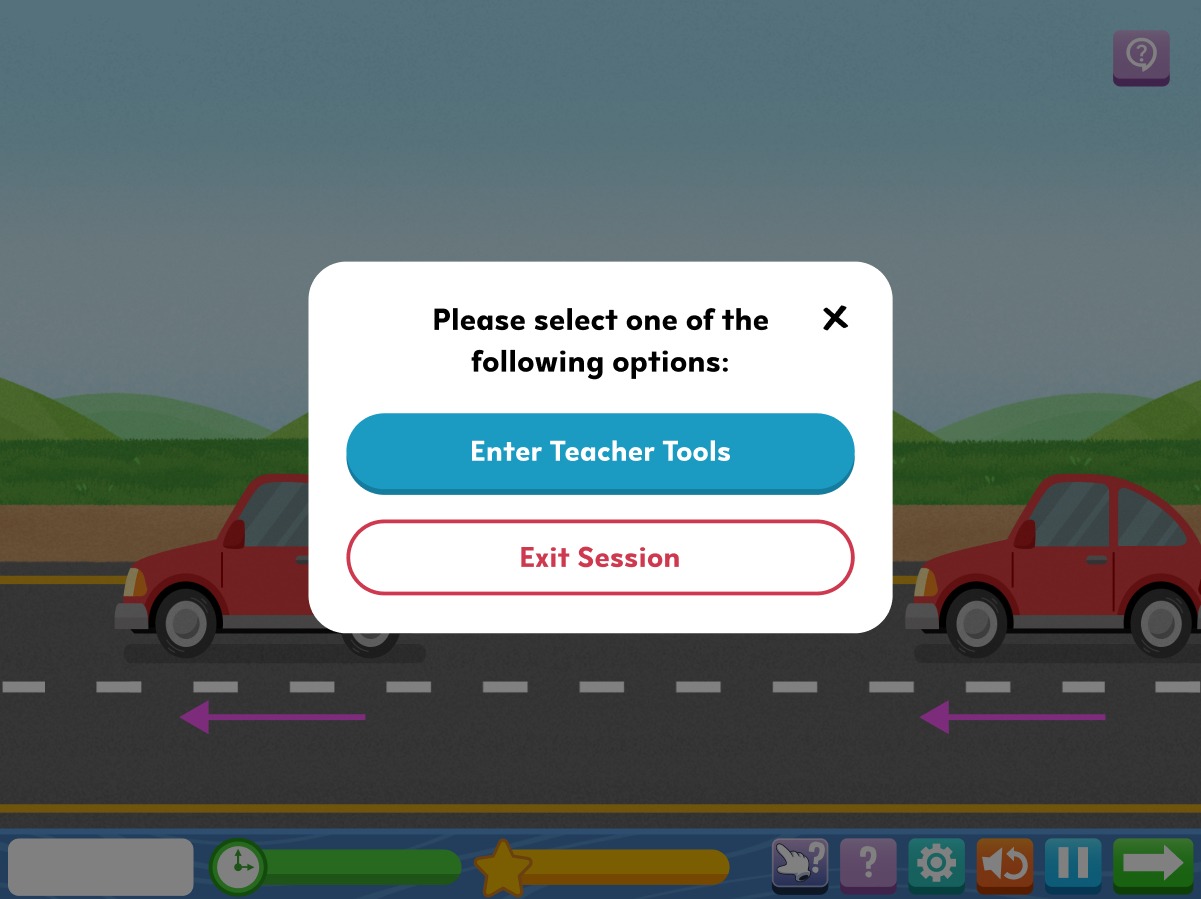
For more detailed instructions, please visit our HelpSite article.
Expanded Login Badge Instructions for Classroom Use
Affects: Educators | Caregivers |
Waterford Early Learning
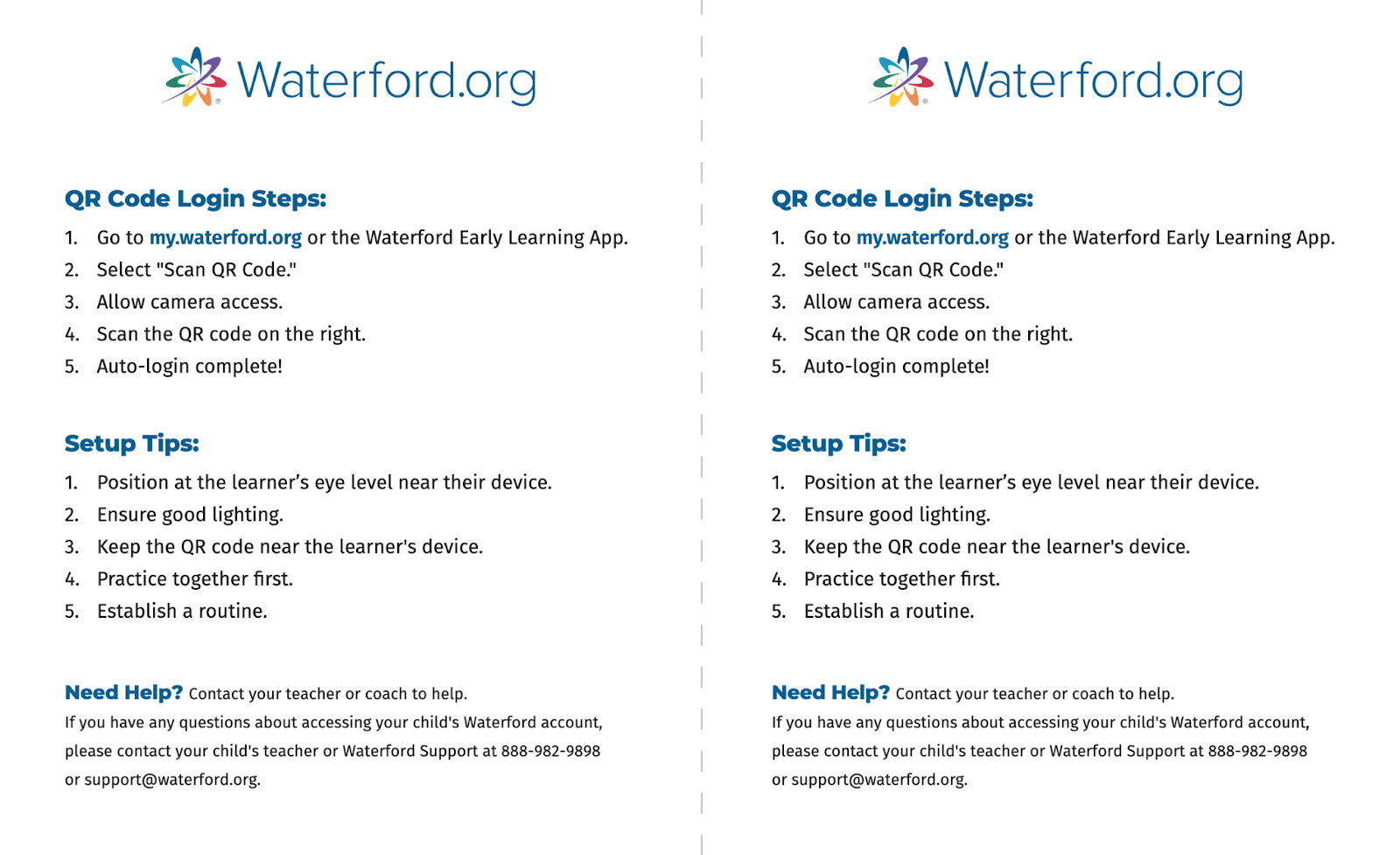
Login Badge instructions have been expanded to include a dedicated, double-page PDF that explains how to use the Login Badge QR code. This resource is designed to support classroom use by providing clear, step-by-step guidance for students and educators.
The Login Badge instructions PDF can be printed once and copied for classroom distribution. To reduce unnecessary printing, it does not generate automatically for each individual student.
For more detailed instructions, please visit our HelpSite articles:
- Waterford Early Learning: Generating or Revoking QR Codes for Your Classroom
- Waterford Early Learning: Generating or Revoking QR Badges for Students for Administrators
Improved Report Experience with Saved Filters
Affects: Educators | Waterford Early Learning
Report filters will now remain applied when educators refresh the browser while viewing reports.
As long as the educator stays within the Reports tab, the selected filters will remain in place after refreshing the page, making it easier to continue reviewing data without interruption.
If the user leaves the Reports tab, filters will reset as expected. The report URL now also updates to reflect the selected filters, making it easy to bookmark or return to a specific report view.
Easier Class Name Updates for Administrators
Affects: Educators | Waterford Early Learning
Administrators can now make multiple updates to a class name without leaving the edit screen.
The administrator can update and save changes consecutively, allowing for a smoother and more efficient editing experience.
There are no changes to the editing process itself, and class naming rules remain the same.