Waterford Upstart: Complete Upstart Orientation
Before your child can start the Skills Check or Waterford Upstart sessions, you must complete the Upstart Orientation.
To begin:
Log in to your Waterford Upstart account. From the Profile page, select Watch Upstart Orientation to complete Orientation.
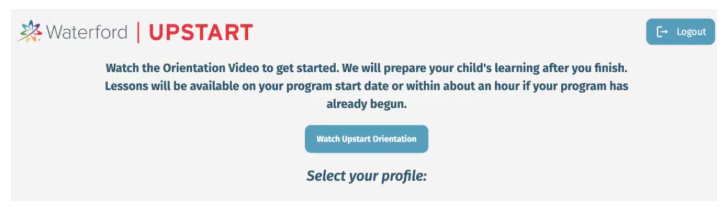
Or you can also select the caregiver profile, and it will take you directly to the Checklist tab.
Your child’s profile will be greyed out, and they will be unable to access their lessons until Orientation is completed.

- Click "Watch the Upstart Orientation Video" to start.

After completing Orientation, immediately go to your child’s profile to complete Skills Check by clicking the “Start” button.
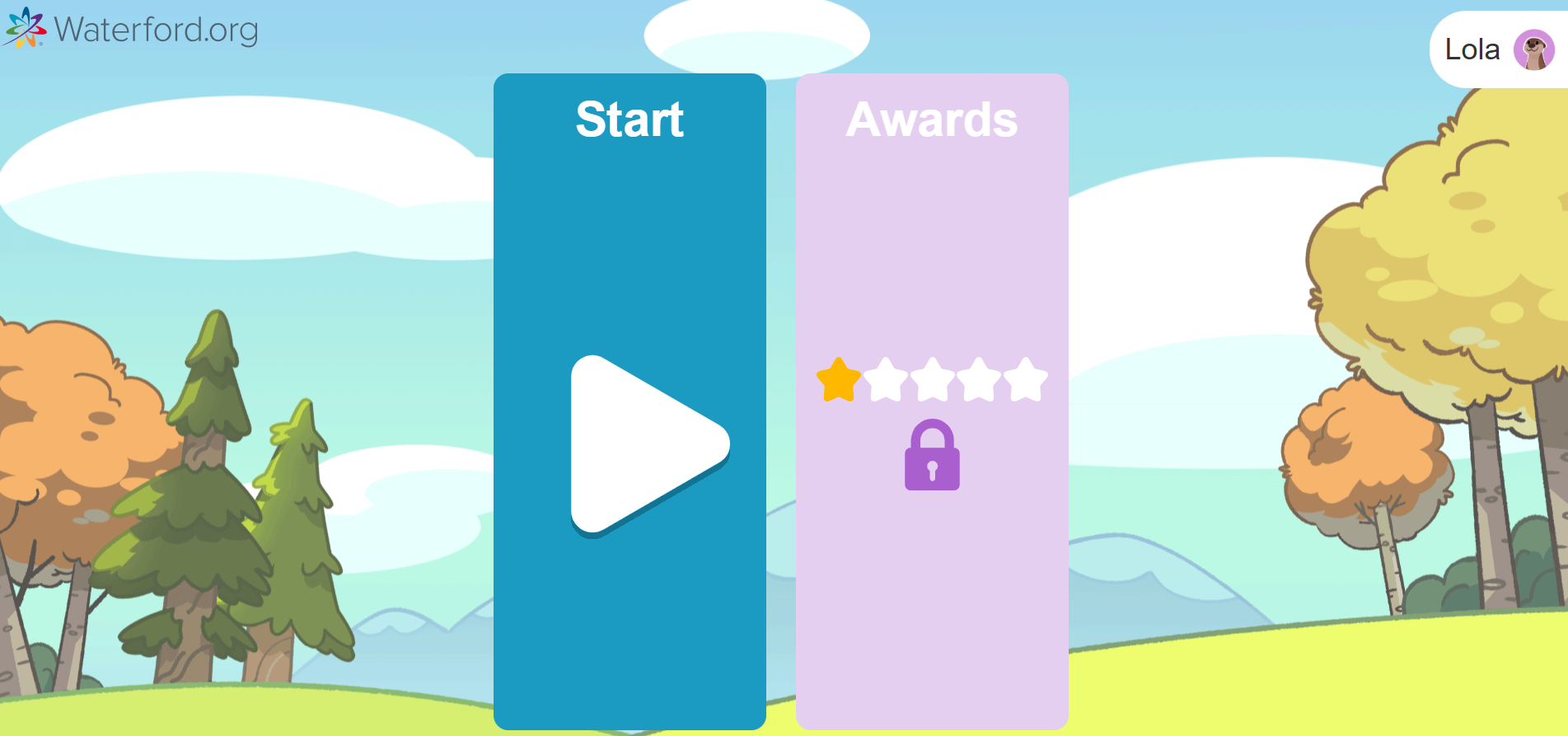
Alternatively, you can start the Skills Check from the Home tab within 2-4 hours.

For support or questions, please email us at support@waterford.org or call 888-982-9898.
Last Updated: 07/08/26